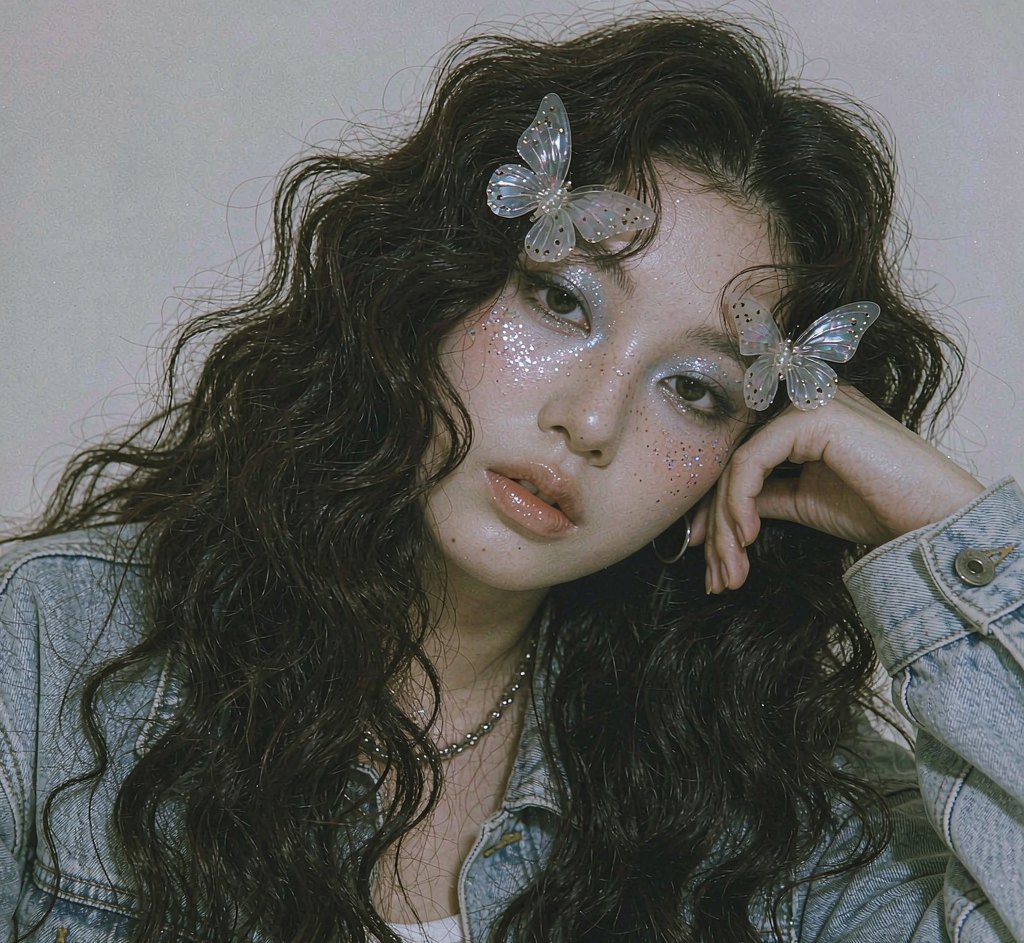
Photo to watercolor portrait, painted by AI
Upload one photo, choose a mood, and get a delicate, hand-painted portrait that still looks like you.
Make yours — preview free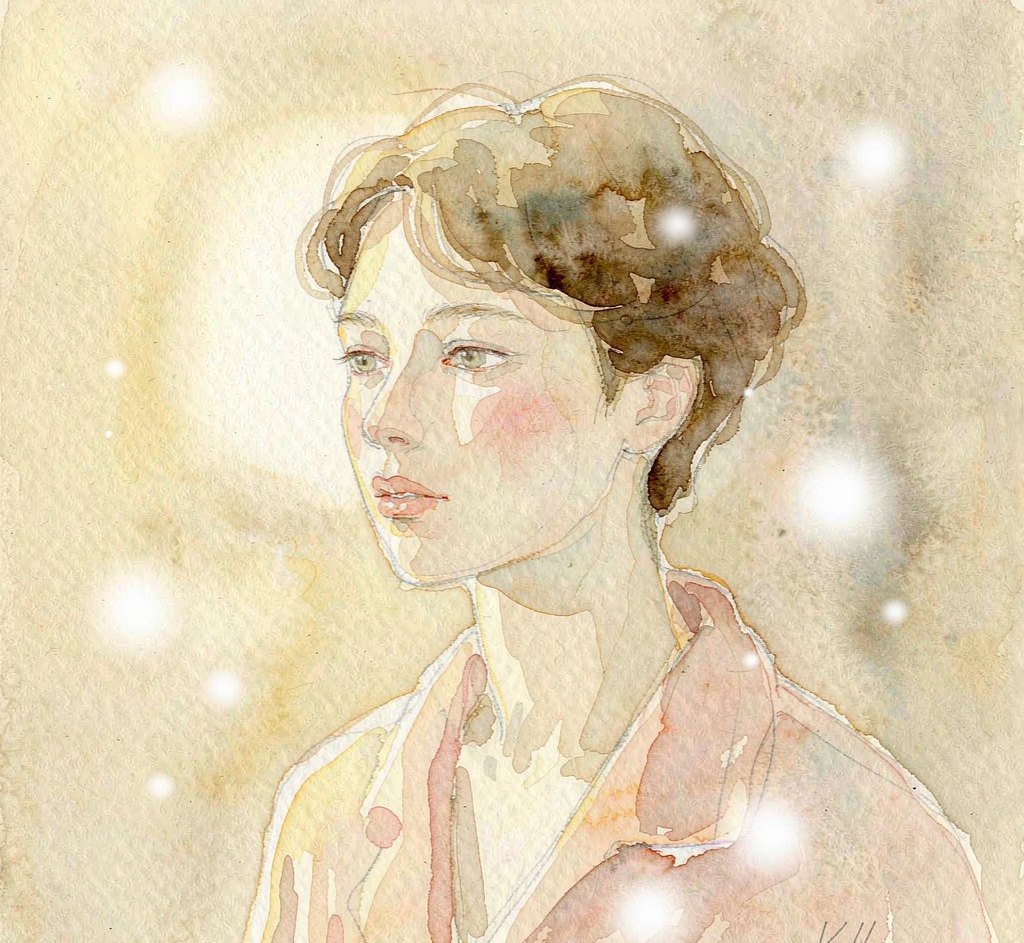

Choose from 8 watercolor portrait styles. Each one is a hand-tuned prompt, not a slider you have to guess at.
A clear, front-facing shot works best. No costume, no studio, no makeup — one ordinary photo is enough.
Preview free with a watermark. Like it? Unlock full resolution for 4 credits — about $0.25.
What people actually use this for
Every look from one photo
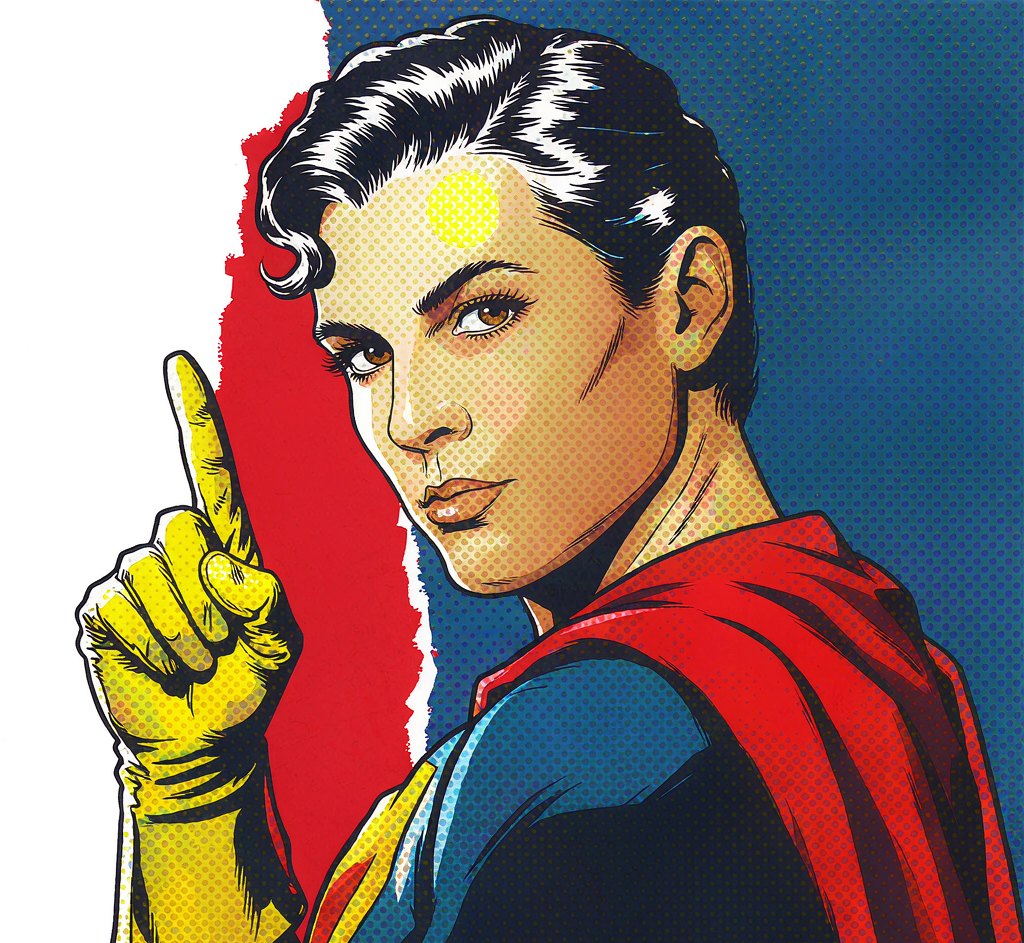
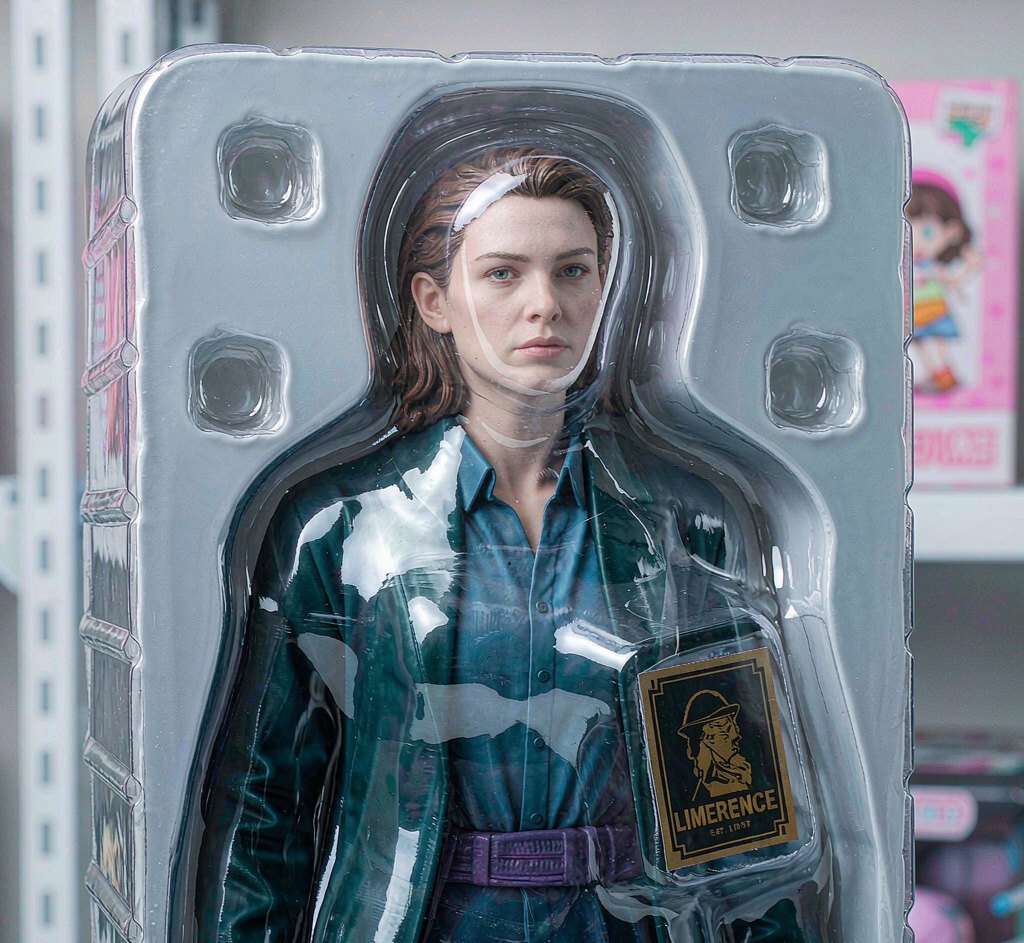
Made with this look already rendered — browse first, then run your own below.
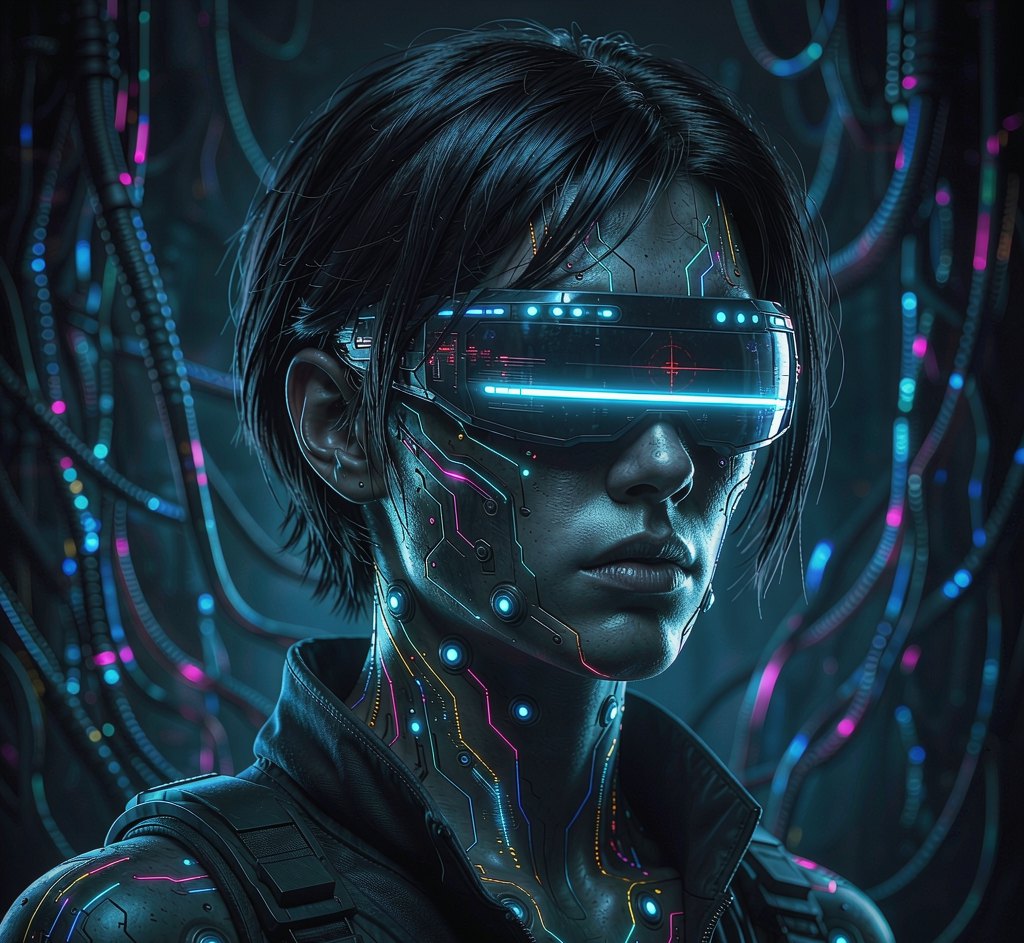

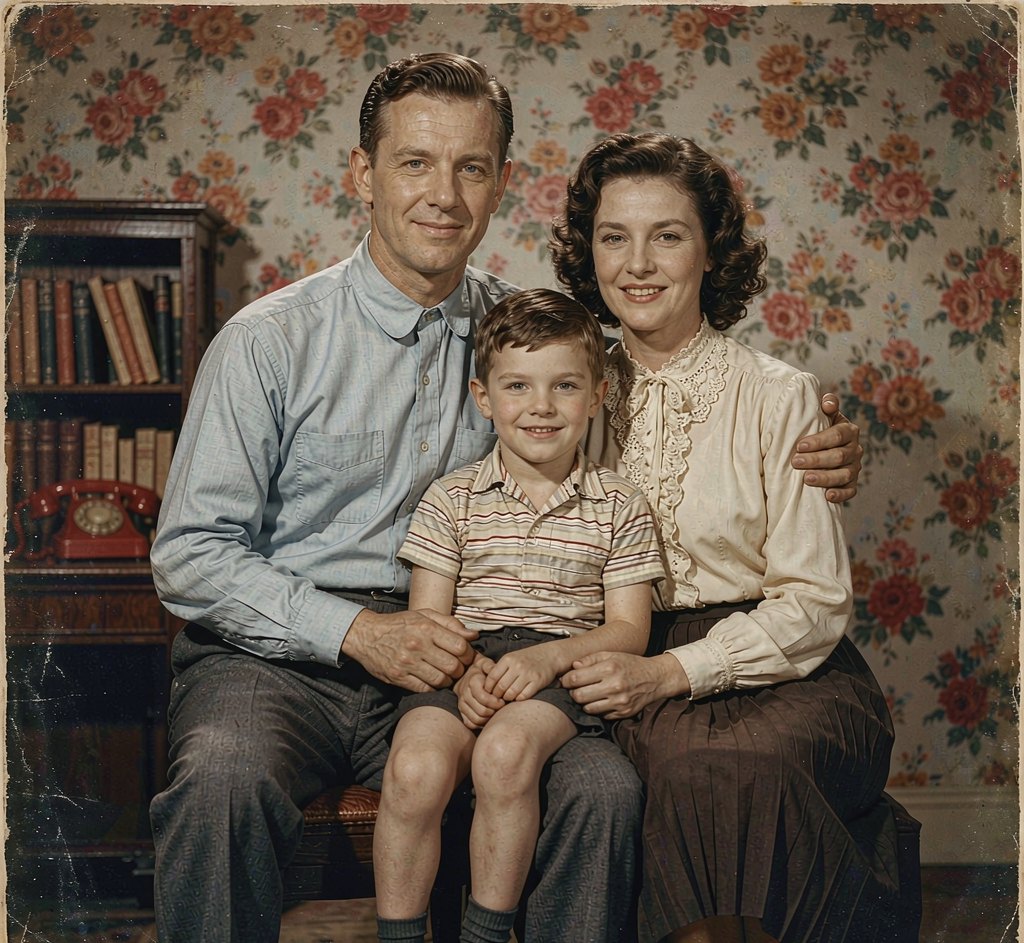
Now your photo
Free first — see whether the look suits you before spending a credit.
Preview mode — Watercolor Portrait generation connects when your account is live.
Questions, answered
Will it still look like me?
Yes. Identity-preserving editing keeps your facial features while rendering everything in a painted, artistic style.
What moods can I choose?
Soft pastel, vibrant, monochrome ink and botanical, with more palettes added over time.
Is the watercolor portrait free?
Yes. New accounts get free credits to try it. Free results carry a small watermark; paid plans remove it and unlock full resolution.
Do you do face swap of real people?
No. Pixelo restyles your own photo only and does not offer face swap onto other people.
Can I print it?
Paid plans include a commercial license so you can print and share your painted portrait.
How to turn a photo into a watercolour painting
Upload a photo and the tool repaints it in watercolour: loose edges, pigment bleed, visible paper texture and a restrained palette. Faces stay recognisable — the treatment is in the medium, not the person.
This look suits photos with soft light and simple backgrounds. High-contrast or very busy shots can turn muddy, because watercolour carries less tonal range than a photograph.
Paid downloads are full resolution and watermark-free with a commercial licence, so prints and cards you sell are covered.
Which photos make the best watercolour portraits
Overcast daylight and open shade produce the flat, even light that watercolour painting is built around. Direct sunlight creates shadows the medium has no vocabulary for.
A single subject against an uncluttered background gives the cleanest result. Group photos work, but expect the detail in each face to soften.
Your photo, ready in about 20 seconds
Free watermarked preview first. Pay only if the look actually suits you.
Start with a free preview