Remove watermarks from photos you own
Paint over the logo, date stamp or caption you want gone. AI rebuilds the pixels underneath — for photos you own the rights to.
The preview renders in your browser — no upload, no charge, no signup.
Preview mode — model inference connects when billing goes live.
Paint over it. Watch it disappear.
The preview composite runs entirely in your browser — nothing uploads until you choose to unlock the full-quality fill.


Orange date stamp · Camera stamp burned into the corner, sand rebuilt underneath
We ask you to confirm ownership first. We don't process images you don't have rights to.
Brush over just the area you want gone. Tight brush, tight result.
Full resolution, no watermark of ours either. Unexported previews never leave your browser.
Every kind of damage, handled
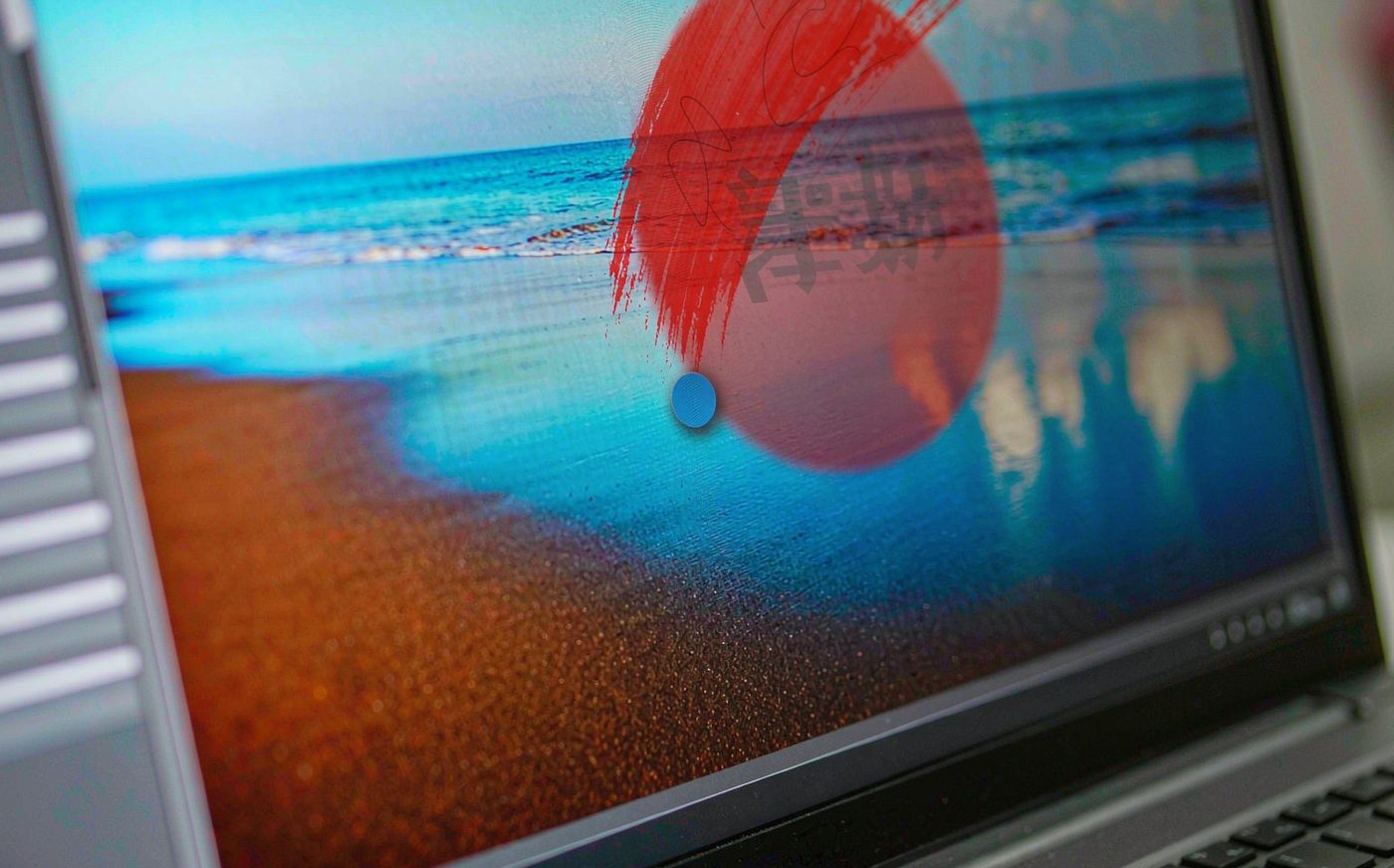
Paint over it, do not trace it
A resizable brush instead of precise outlining. Roughly cover the stamp, logo or caption and the model handles edges for you.
- ✓Brush sized to the area being removed
- ✓No layer masks or selection tools
- ✓Handles corners, edges and curved placements
- ✓Unlimited corrections before you commit

Rebuilds what was underneath
Cloning just copies nearby pixels and smears busy backgrounds. A fill model reconstructs plausible texture instead.
- ✓Works on fabric, foliage, brick and water
- ✓Patterns continue rather than blur out
- ✓Reconstructs rather than copying
- ✓Clean edges where the mark used to sit
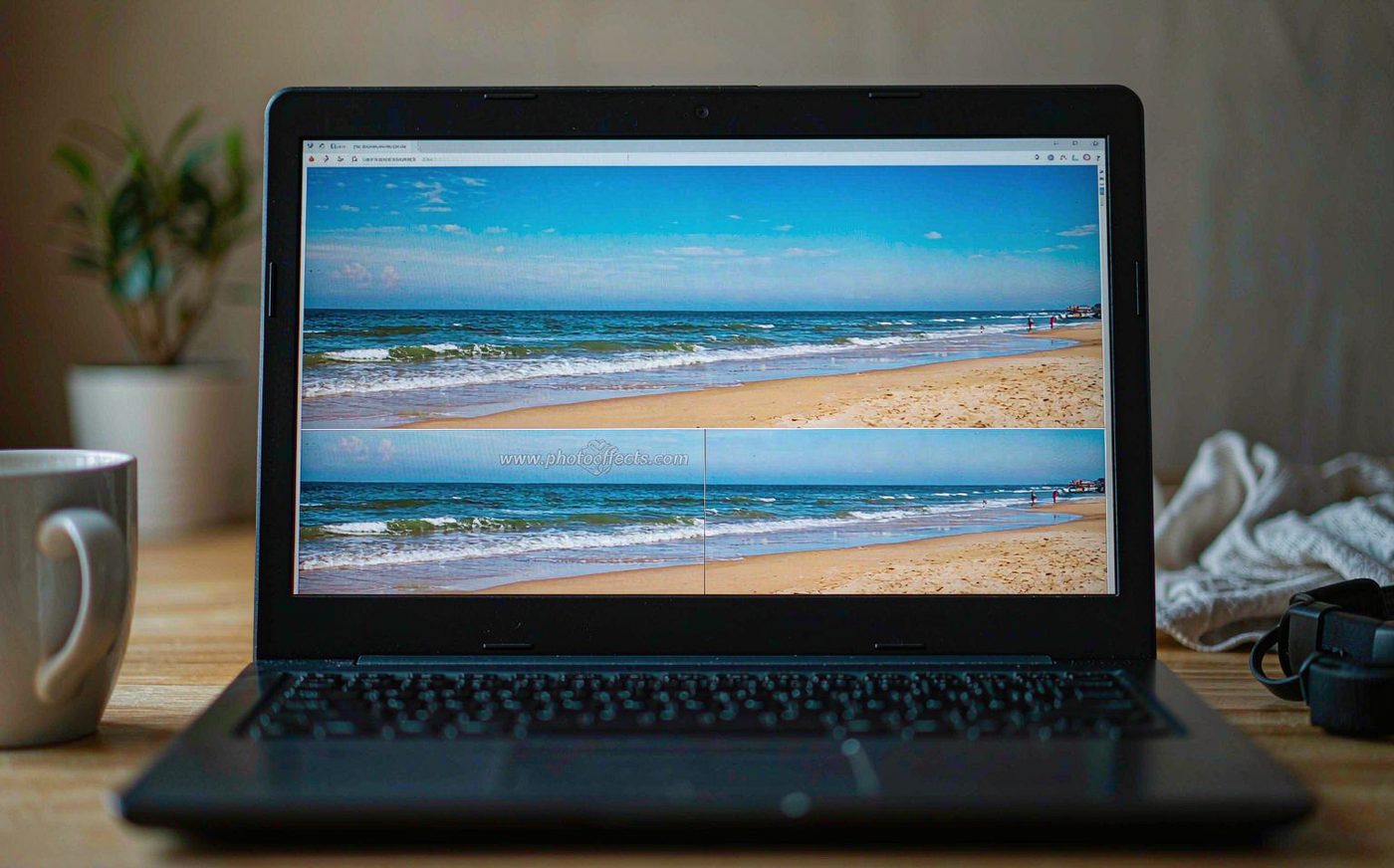
Preview before anything uploads
The approximate result is composited locally in your browser, so you can judge whether it worked before spending a credit or sending the file anywhere.
- ✓Free preview renders on your device
- ✓Nothing uploads until you unlock
- ✓Pay only when you want the clean file
- ✓Original always kept alongside result
Built for every reason you kept the photo
Before and after




See it first. Pay later.
Renders in your browser — confirms you marked the right area. No upload, no charge.
Rebuilt pixel by pixel with proper texture. Full resolution, clean file.
Questions, answered
Is removing a watermark legal?
It is legal to remove a watermark from a photo you own. It is not legal to strip the watermarks from images you haven't licensed in order to use them without paying. We built this for the first case and refuse the second — see our terms.
Do I have to own the photo?
Yes. You confirm ownership before processing, and our terms prohibit using this tool on stock images, agency previews or anyone else's work you haven't licensed. We act on reports and terminate accounts.
Can it handle a watermark over a face?
Often yes, though it depends how much detail sits underneath. Semi-transparent marks over even skin tones rebuild cleanly. Marks cutting across eyes or mouths are harder — try it with the free preview and see before paying.
Why do I have to paint the area myself?
Because automatic detection removes things you wanted to keep. Painting takes five seconds and guarantees we only touch the part you chose.
Is really nothing uploaded for the preview?
The free preview renders entirely in your browser — nothing is uploaded, nothing is stored. We only send the image to the model when you ask for the finished file.
Do you add your own watermark?
No. Paid downloads are clean. The preview is marked only so it isn't mistaken for a finished result.
What if the result looks wrong?
Try a slightly larger brush — inpainting needs a little context around the edges. If it still doesn't work on your photo, tell us and we'll refund the credits.
Do you keep my images?
Finished files stay in your library until you delete them. We never train models on your uploads.
A watermark remover for the photos that belong to you
There are two very different reasons people search for how to remove a watermark from a photo. The first is legitimate and incredibly common: a photo of you, your family or your property carries a logo, a date stamp from an old camera, or a caption burned in by an app you no longer use. Removing it from your own image is legal and often necessary before printing or publishing.
The second reason — stripping watermarks from stock images or someone else's work to avoid paying for a licence — is copyright infringement, and we built this tool specifically not to do it. You confirm you own the photo before processing, and our terms let us act on reports. That line protects you as much as anyone: it is why payment processors, hosting providers and search engines can trust what we run.
If your photo falls in the first group, the workflow is simple. Paint over the watermark, logo or date stamp with a brush sized to the area, check the free in-browser preview, and the fill model rebuilds the covered pixels with real texture — not a blur patch. It handles busy backgrounds like fabric, foliage and brick far better than clone-stamp style fixes, because it reconstructs rather than copies.
Get the photo back, without the stamp
For photos you own. Paint the area, check the free preview, unlock the clean file only if it worked.
Paint out your first watermark — free