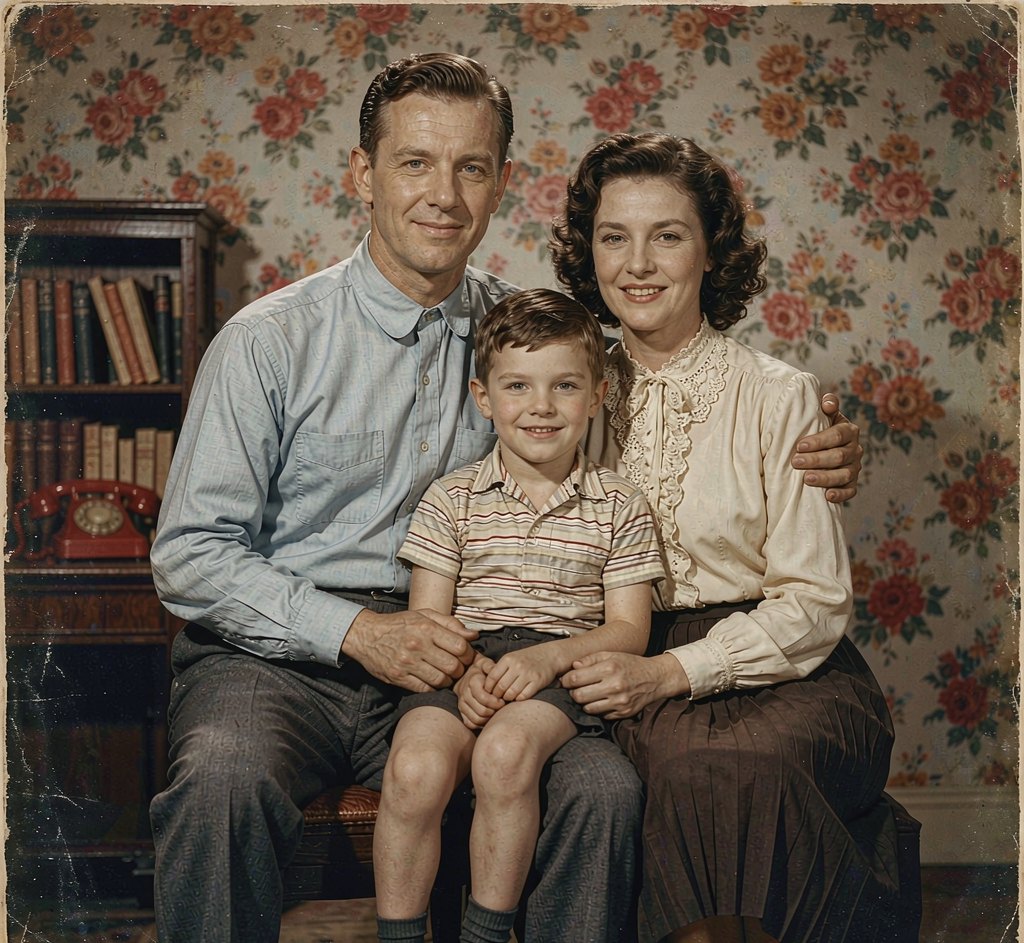
AI yearbook photos from any decade
Upload one photo, pick a decade, and get a convincingly analog portrait from a past era.
Make yours — preview free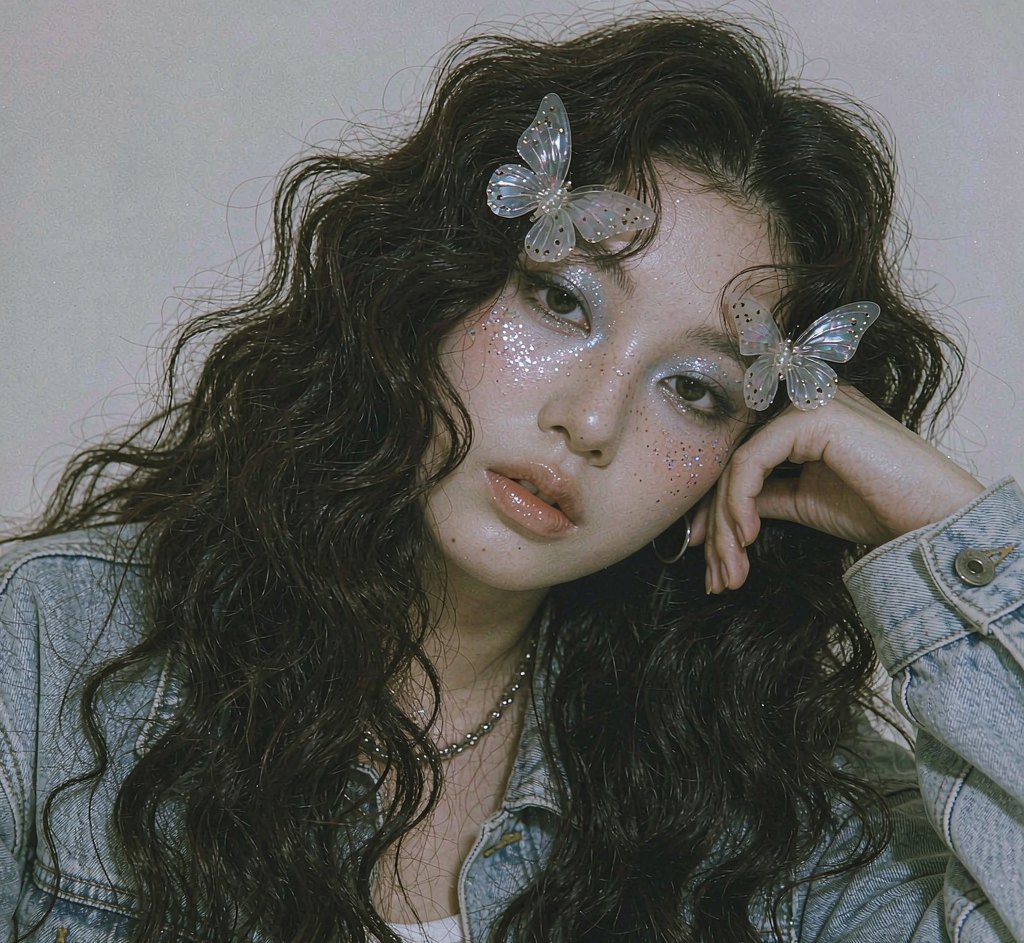
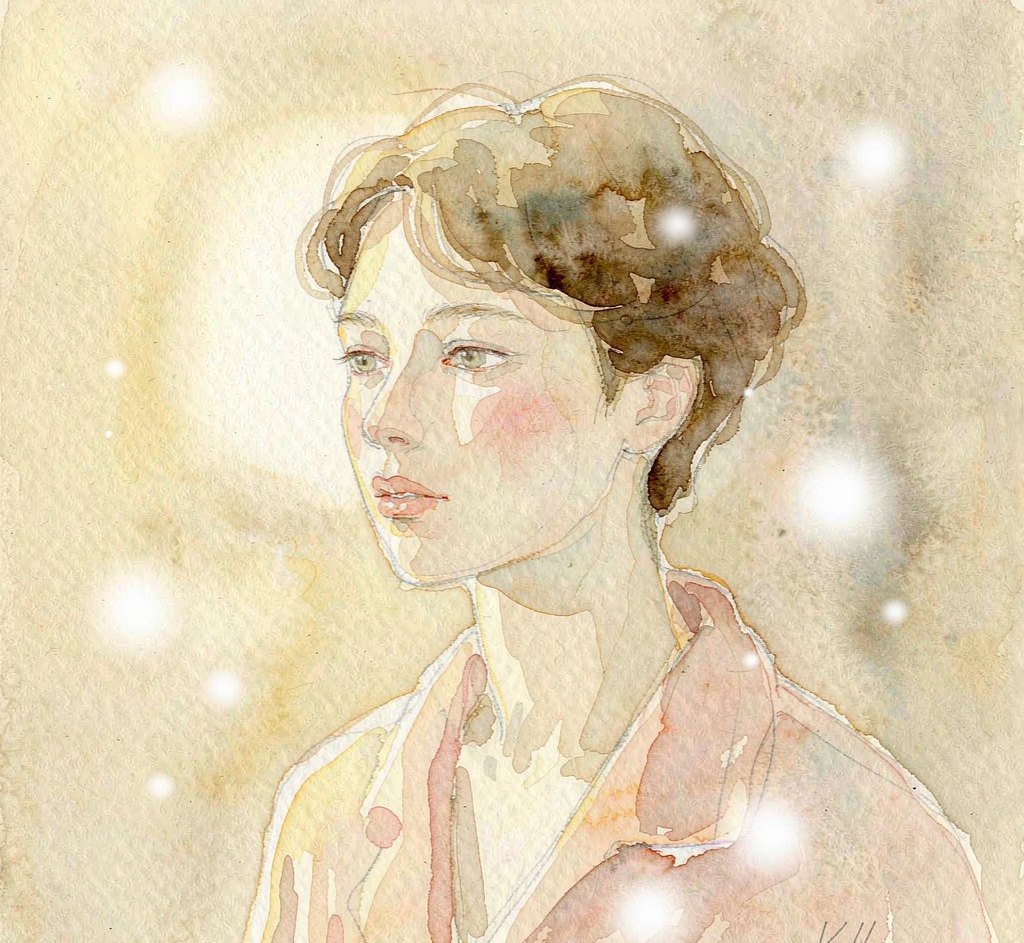
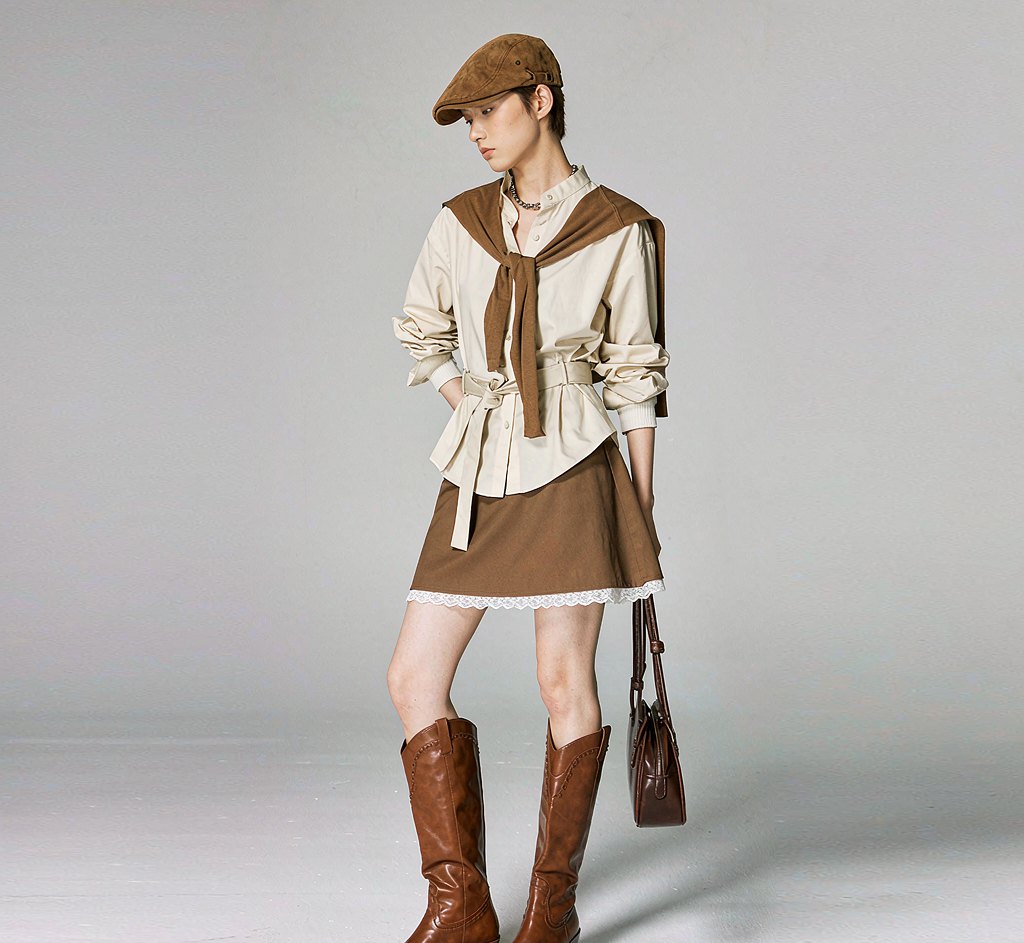
Choose from 8 retro yearbook styles. Each one is a hand-tuned prompt, not a slider you have to guess at.
A clear, front-facing shot works best. No costume, no studio, no makeup — one ordinary photo is enough.
Preview free with a watermark. Like it? Unlock full resolution for 4 credits — about $0.25.
What people actually use this for
Every look from one photo
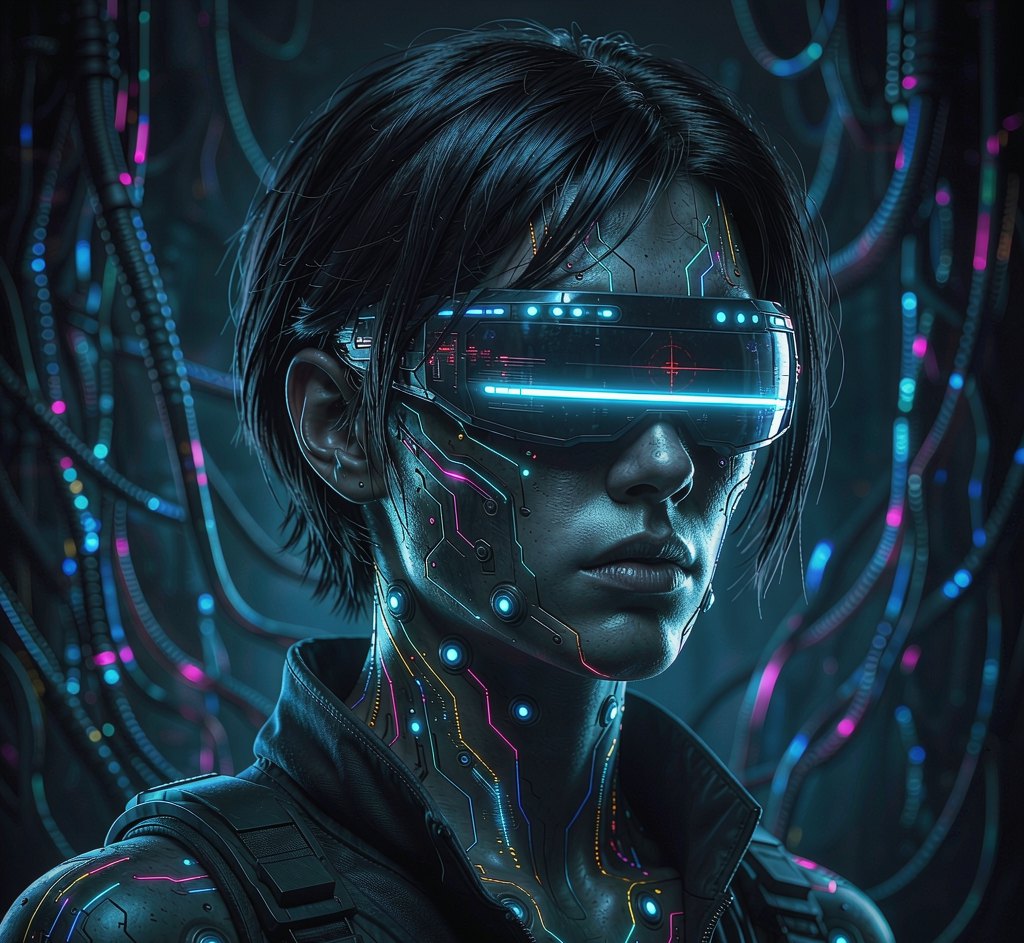
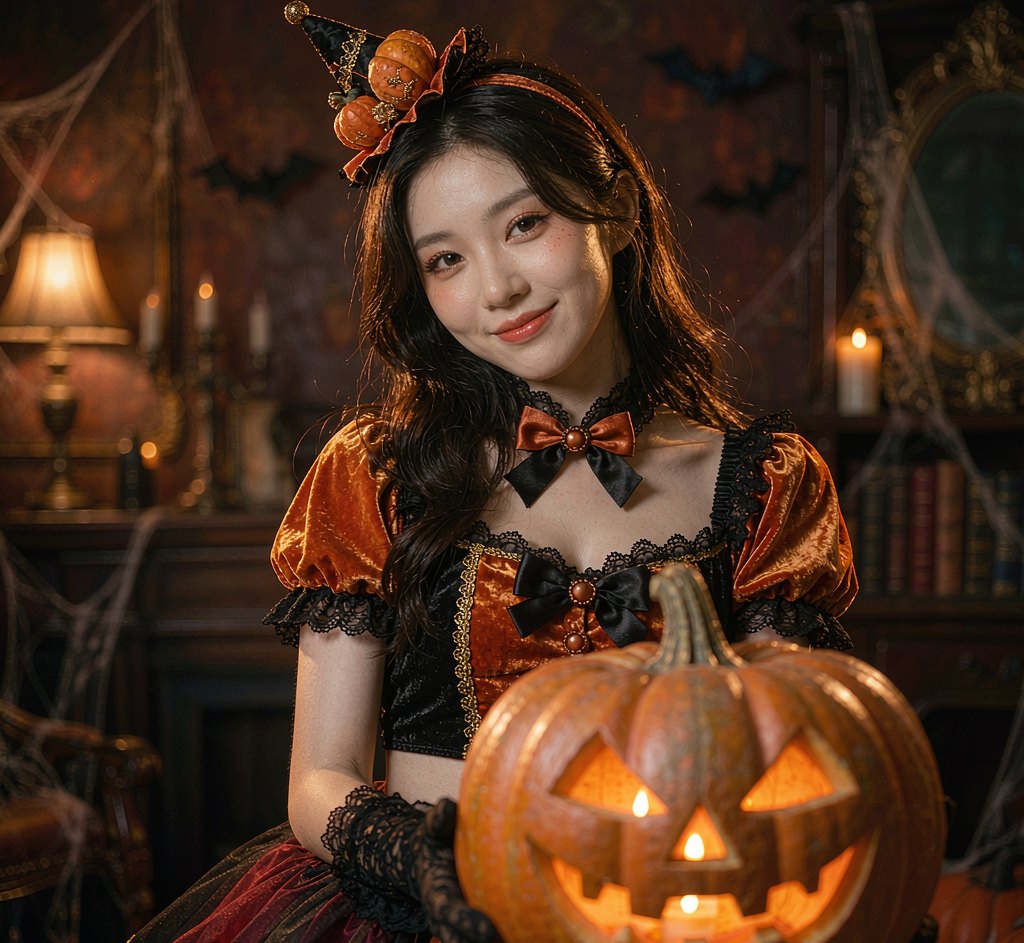
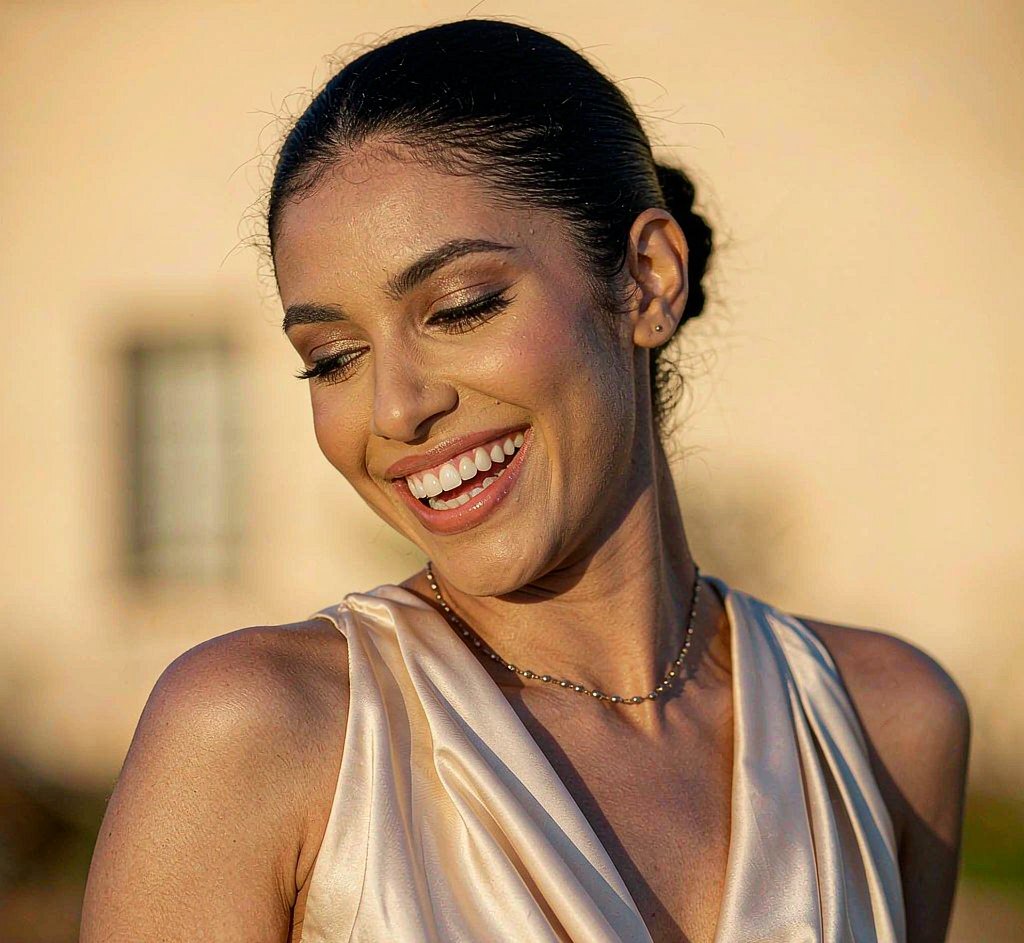
Made with this look already rendered — browse first, then run your own below.

Now your photo
Free first — see whether the look suits you before spending a credit.
Preview mode — Retro Yearbook generation connects when your account is live.
Questions, answered
Which decades are available?
90s yearbook, 70s polaroid, 80s prom and vintage 1950s, with more eras added over time.
Will it still look like me?
Yes. Identity-preserving editing keeps your facial features and expression; only the clothing, lighting and film look change.
Is the retro yearbook generator free?
Yes. New accounts get free credits to try it. Free results carry a small watermark; paid plans remove it and unlock full resolution.
Do you do face swap of real people?
No. Pixelo restyles your own photo only.
Can I use the image commercially?
Paid plans include a commercial license. Free-tier images are for personal, non-commercial use.
How to make a retro yearbook photo
Upload a portrait and the tool applies the whole grammar of a yearbook photo: blown-out flash, a flat backdrop, muted film colour, and the crop and type treatment that came with it. Your face stays yours; everything around it goes back a few decades.
It works best on head-and-shoulders photos with the face clearly visible. The look leans on framing and grade, so a tight crop beats a wide shot.
Full-resolution paid downloads include a commercial licence.
Why the yearbook look is mostly lighting and crop
The recognisable part of a yearbook portrait is not the subject — it is the hard on-camera flash, the flat backdrop and the square crop. Get those three right and almost any portrait reads as authentic.
Hair and clothing do the rest. Modern styles pull the image forward, so a plain top and simple hairstyle give the most convincing result.
Your photo, ready in about 20 seconds
Free watermarked preview first. Pay only if the look actually suits you.
Start with a free preview