Photo to anime: pick a style, keep your face
Upload one photo, pick a style, and get a studio-grade anime portrait that still looks like you.
Make yours — preview free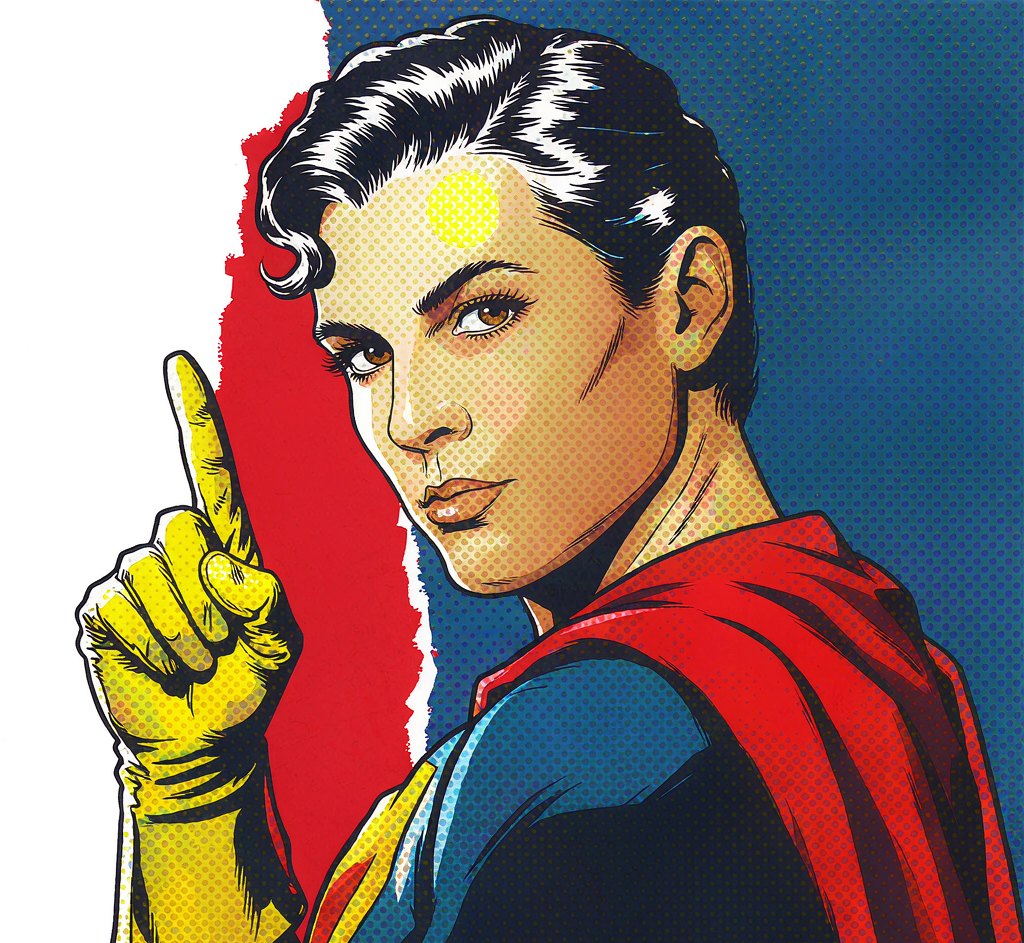
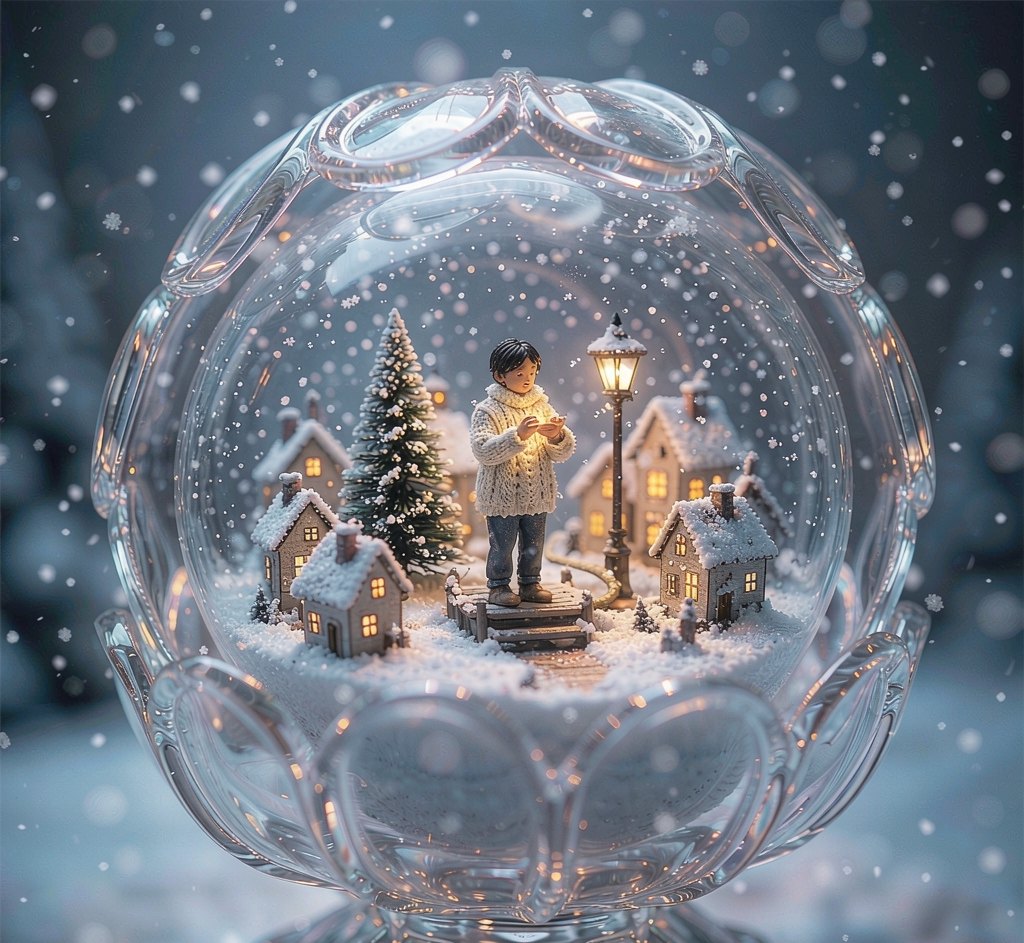
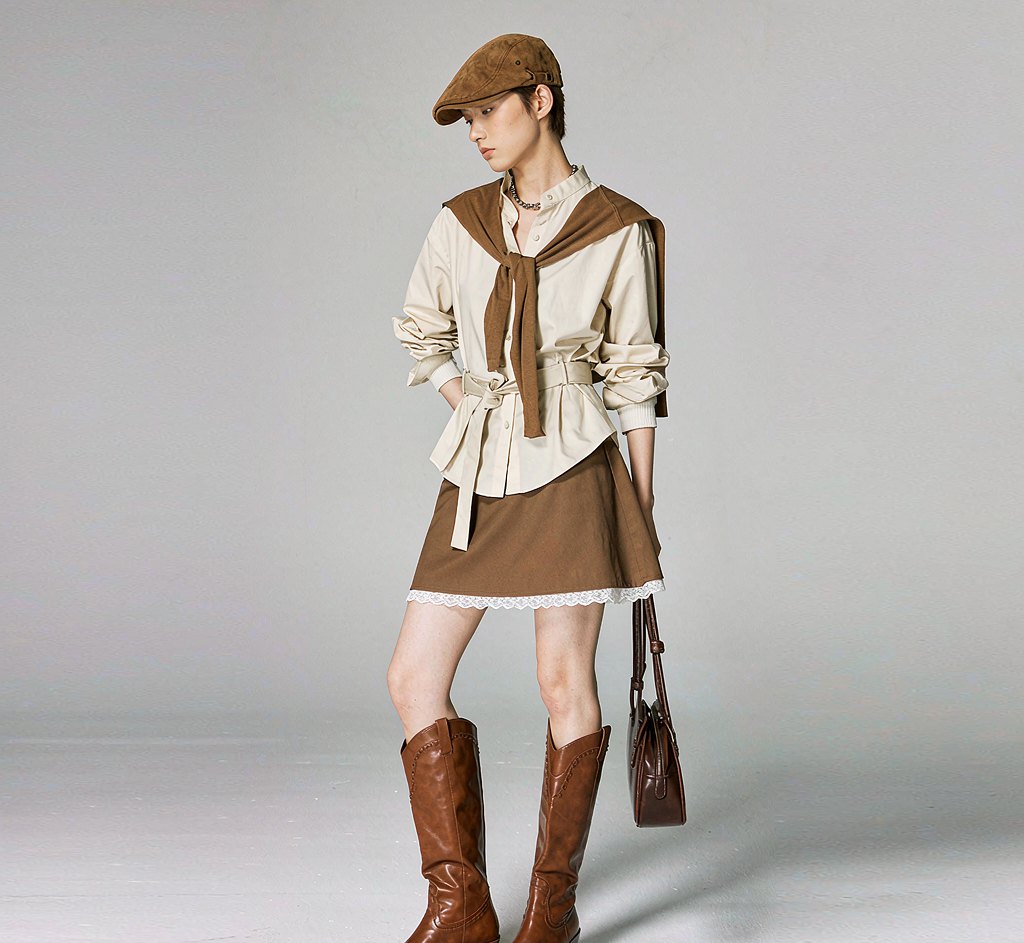
Choose from 8 anime filter styles. Each one is a hand-tuned prompt, not a slider you have to guess at.
A clear, front-facing shot works best. No costume, no studio, no makeup — one ordinary photo is enough.
Preview free with a watermark. Like it? Unlock full resolution for 4 credits — about $0.25.
What people actually use this for
Every look from one photo
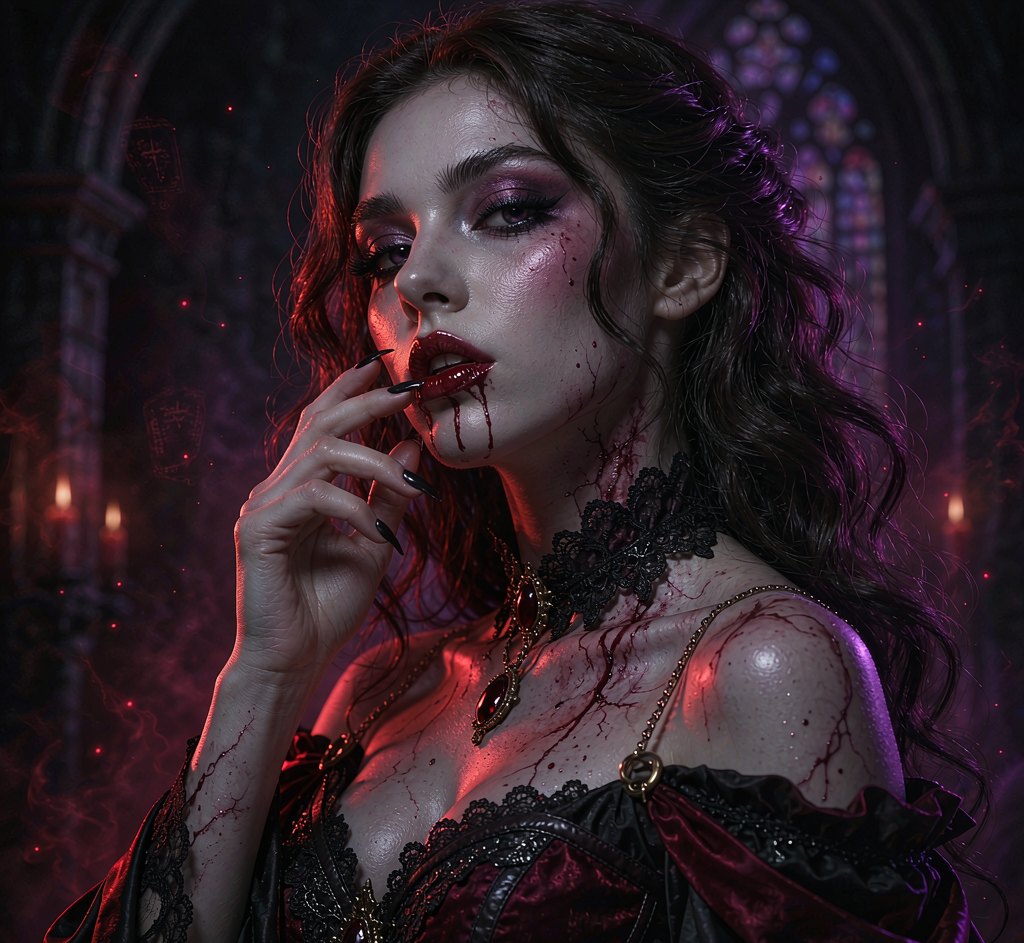
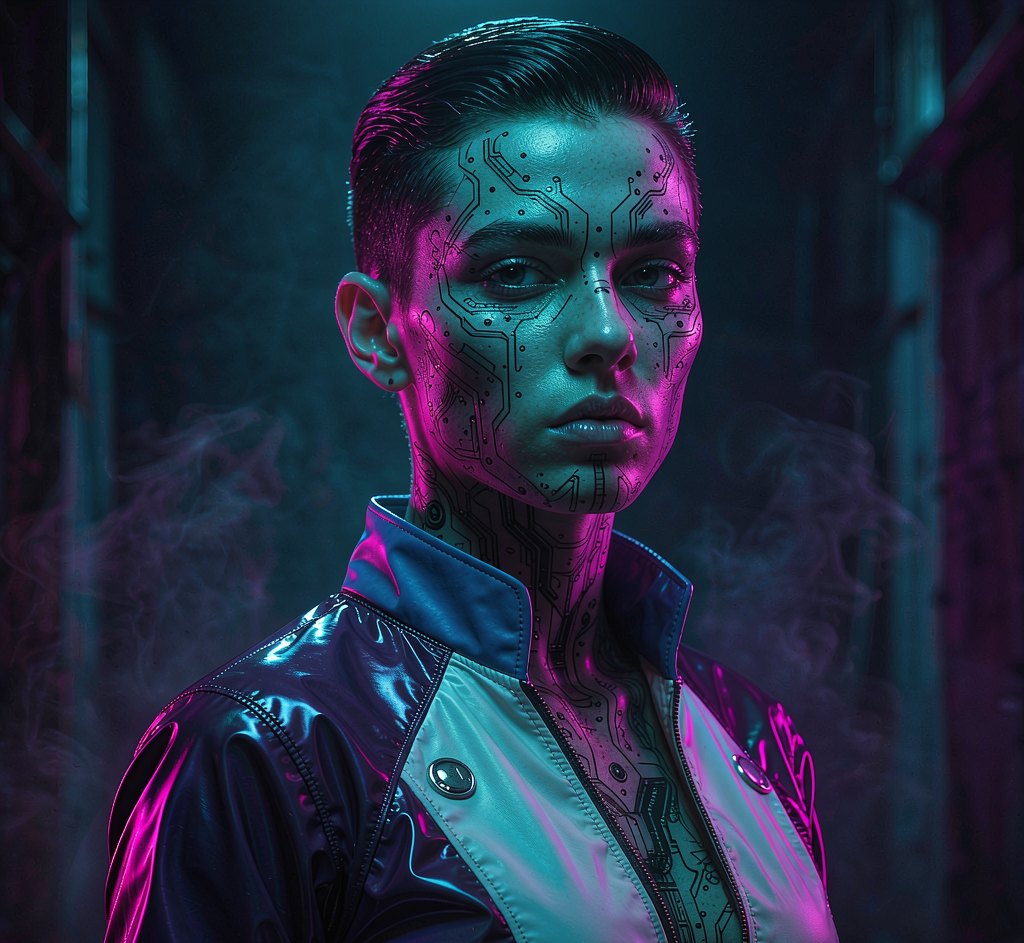
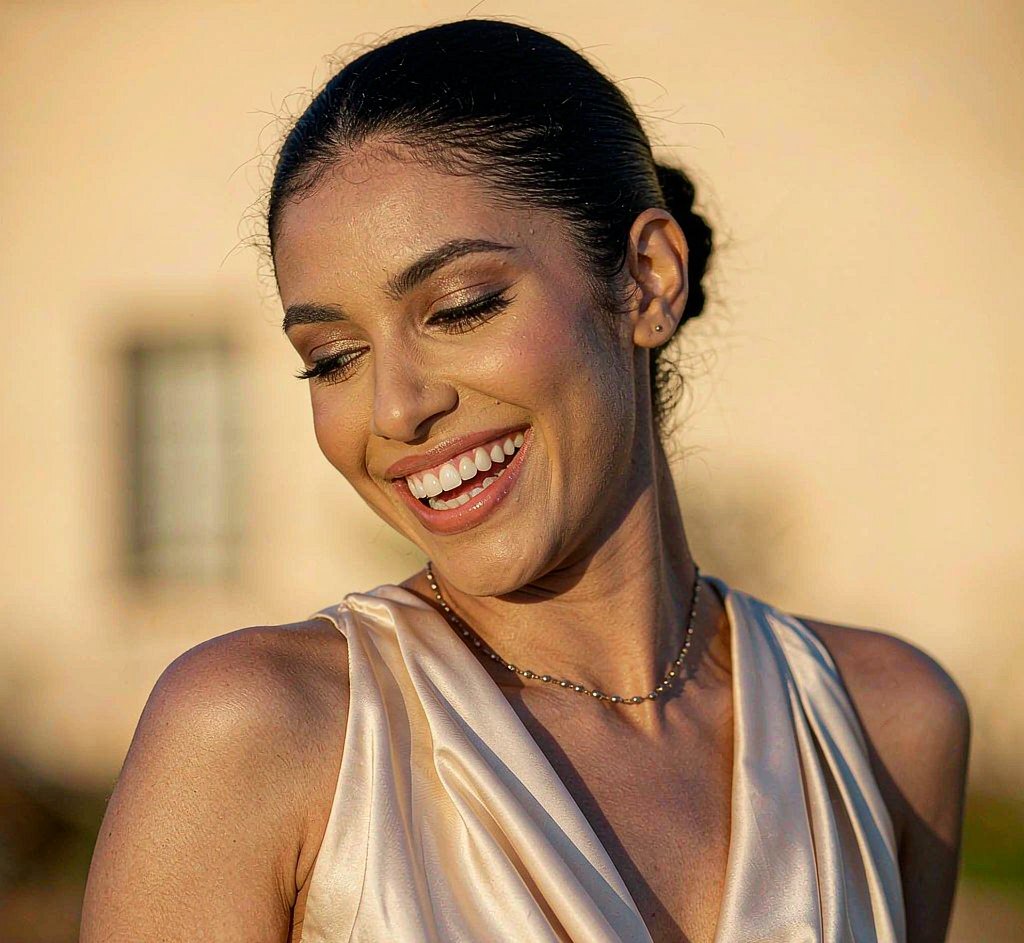
Made with this look already rendered — browse first, then run your own below.
Now your photo
Free first — see whether the look suits you before spending a credit.
Preview mode — Anime Filter generation connects when your account is live.
Questions, answered
Will the anime version still look like me?
Yes. The pipeline is built on identity-preserving editing (FLUX.1 Kontext), so your facial features, bone structure and expression stay recognizably yours — just redrawn in anime style.
Which anime styles can I pick?
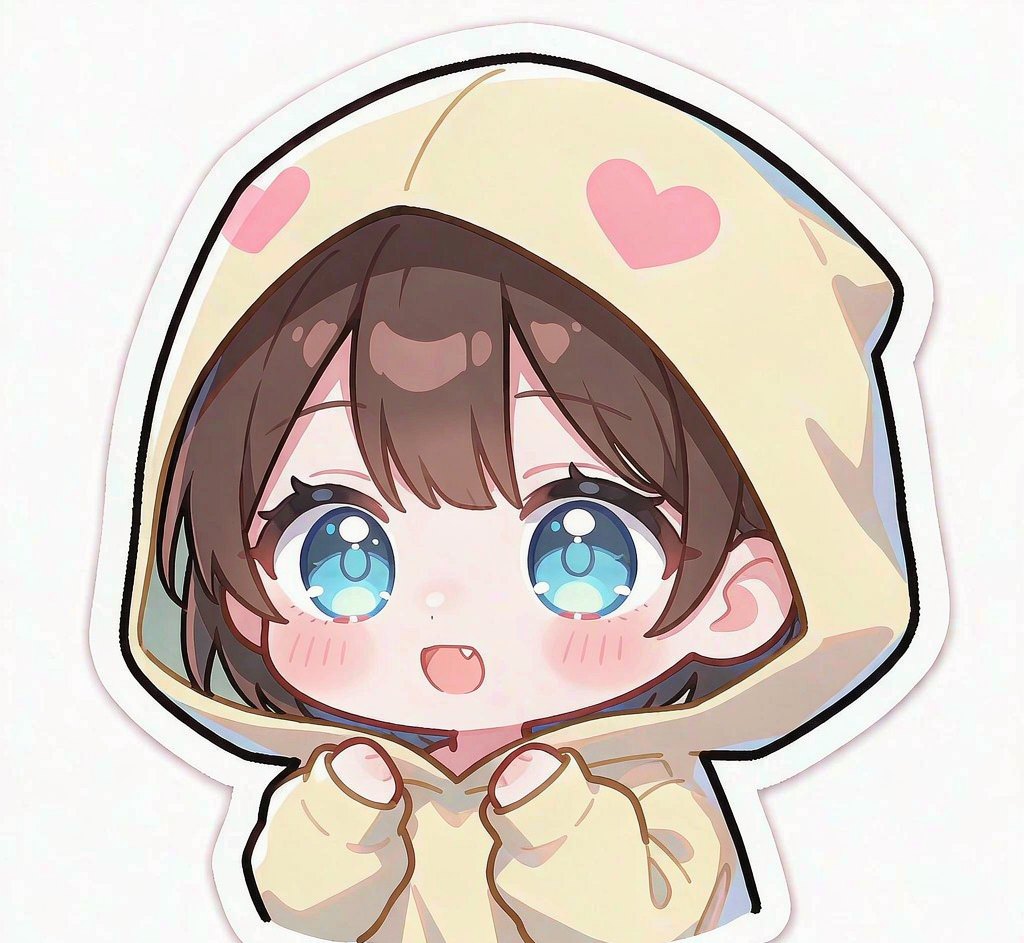
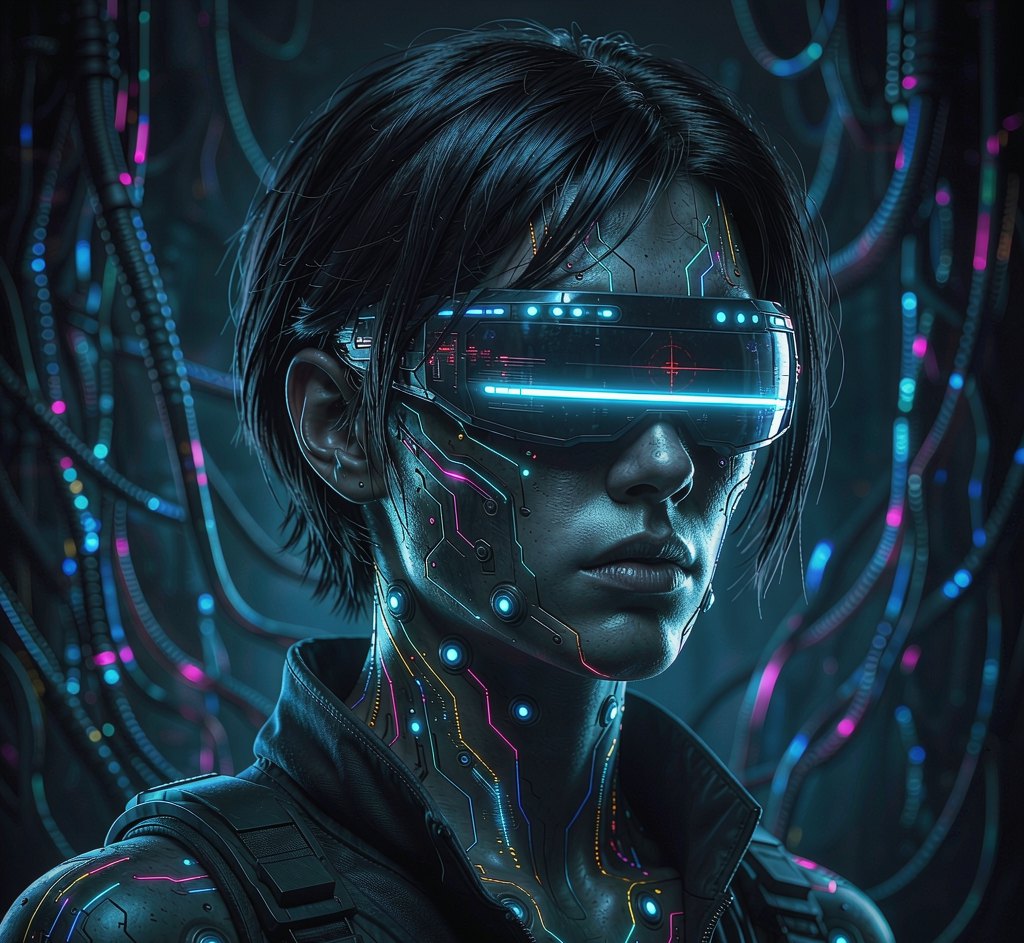
Shonen, shojo, Studio Ghibli, cyberpunk and chibi are available up front, with more styles added weekly.
Is the AI anime filter free?
Yes. New accounts get free credits to try it. Free results carry a small watermark; paid plans remove it and unlock full resolution.
Do you do face swap of real people?
No. Pixelo restyles your own photo only. We do not offer face swap onto other real people or generate non-consensual imagery.
Can I use the anime image commercially?
Paid plans include a commercial license for images you generate. Free-tier images are for personal, non-commercial use.
How to turn a photo into anime style
Upload one clear portrait and the tool redraws it in anime style: larger eyes, simplified shading, clean linework and a flatter colour palette — while keeping hairstyle, face shape and distinguishing features so it still reads as the person.
Anime styling departs further from the source photo than our other looks, so results vary more with the input. A front-facing portrait with even lighting and little background clutter converts most cleanly.
Paid downloads are watermark-free at full resolution with a commercial licence.
What to expect from an anime portrait conversion
Expect a stylised likeness, not a traced photo. Features are simplified on purpose — that is the medium — but the things that make someone recognisable, like hair shape and eye spacing, are carried over.
Photos with strong backlighting, heavy shadow or motion blur convert poorly, because the model has less clean edge information to work from.
Your photo, ready in about 20 seconds
Free watermarked preview first. Pay only if the look actually suits you.
Start with a free preview