Virtual try-on: see the outfit on you first
Two uploads — you and the garment. No changing room, no guessing.
Make yours — preview free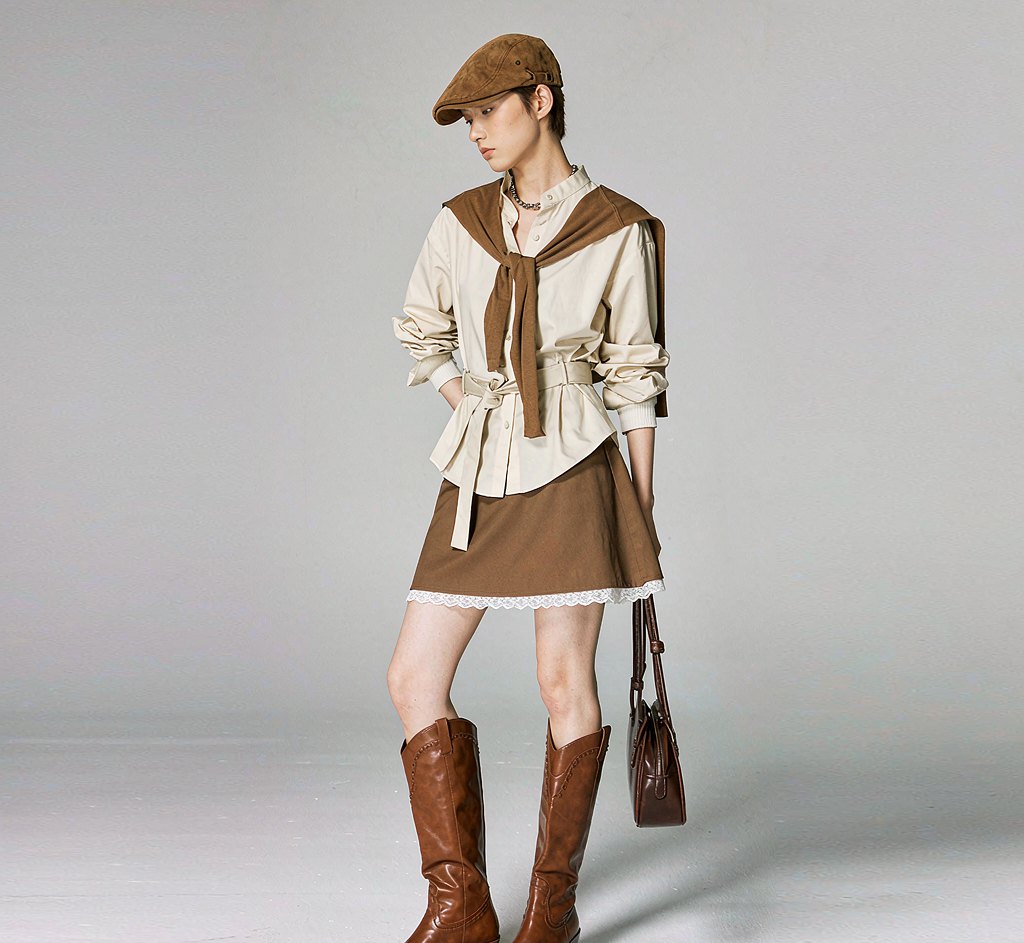
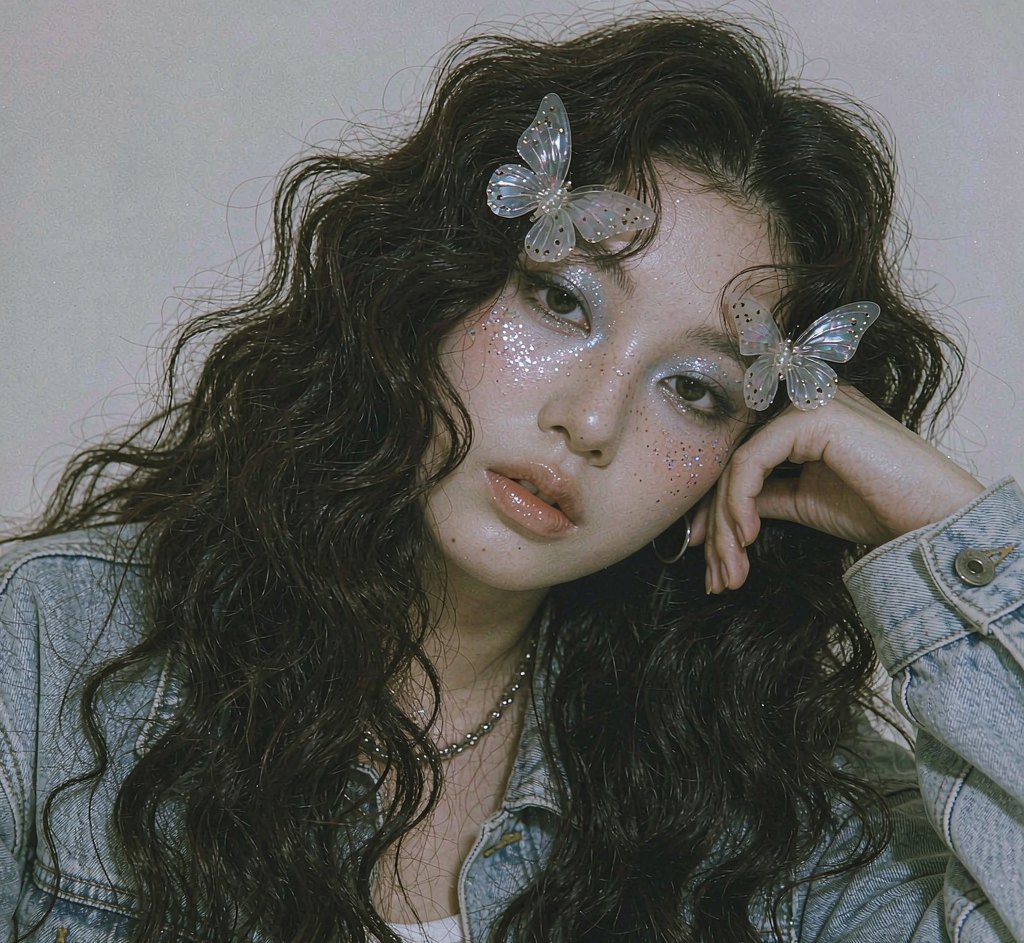
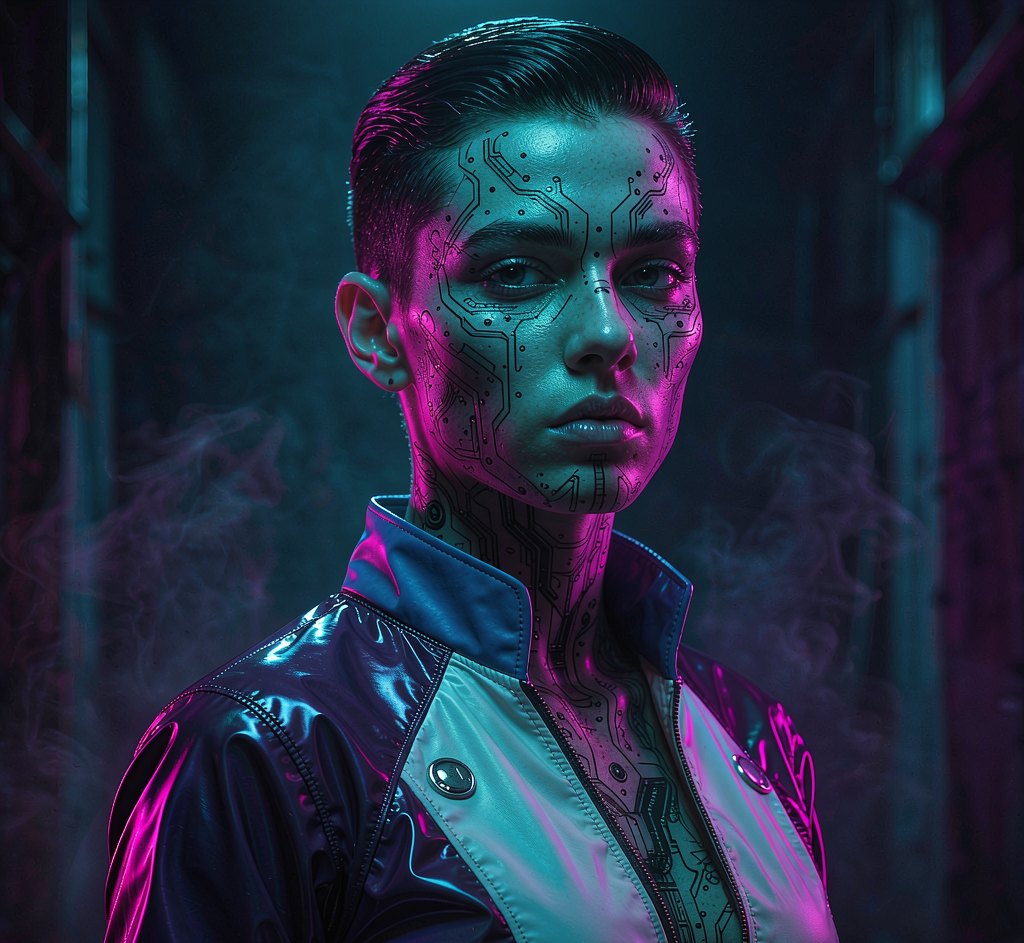
Choose from 5 virtual try-on styles. Each one is a hand-tuned prompt, not a slider you have to guess at.
A clear, front-facing shot works best. No costume, no studio, no makeup — one ordinary photo is enough.
Preview free with a watermark. Like it? Unlock full resolution for 2 credits — about $0.12.
What people actually use this for
Every look from one photo
Made with this look already rendered — browse first, then run your own below.
Now your photo
Free first — see whether the look suits you before spending a credit.
Preview mode — Virtual Try-On generation connects when your account is live.
Questions, answered
What do I need to upload?
Two images: one of you, and one of the garment. A flat, front-facing product photo of the clothing gives the best result.
Does it keep my body shape?
Yes. The garment is draped onto your actual photo rather than modelling a generic body, so proportions stay yours.
Can I use this for my store?
Paid plans include a commercial license, so you can use results in product pages and marketing. Free tier output is watermarked and personal-use only.
How AI virtual try-on works with your own photo
Upload a photo of yourself and a photo of the garment. The tool places the clothing onto your body, matching pose, lighting and fabric fall as closely as it can, so you can judge proportion and styling before buying.
It is a visualisation, not a measurement. Fabric behaviour, exact sizing and colour under your own lighting will differ from the render — use it to rule things out and build a shortlist, not as a guarantee of fit.
Best results: a full-body or three-quarter photo facing the camera, plus a clean product shot of the garment on a plain background.
Why try-on renders differ from the garment you receive
The model estimates how fabric drapes, and it does not know the actual weight, stretch or lining of the item. Structured pieces come out more accurate than flowing ones.
Colour is the other gap: screens and renders shift tone, and a garment photographed under studio light will look different in your room. Treat the render as a styling answer, not a colour match.
Your photo, ready in about 20 seconds
Free watermarked preview first. Pay only if the look actually suits you.
Start with a free preview