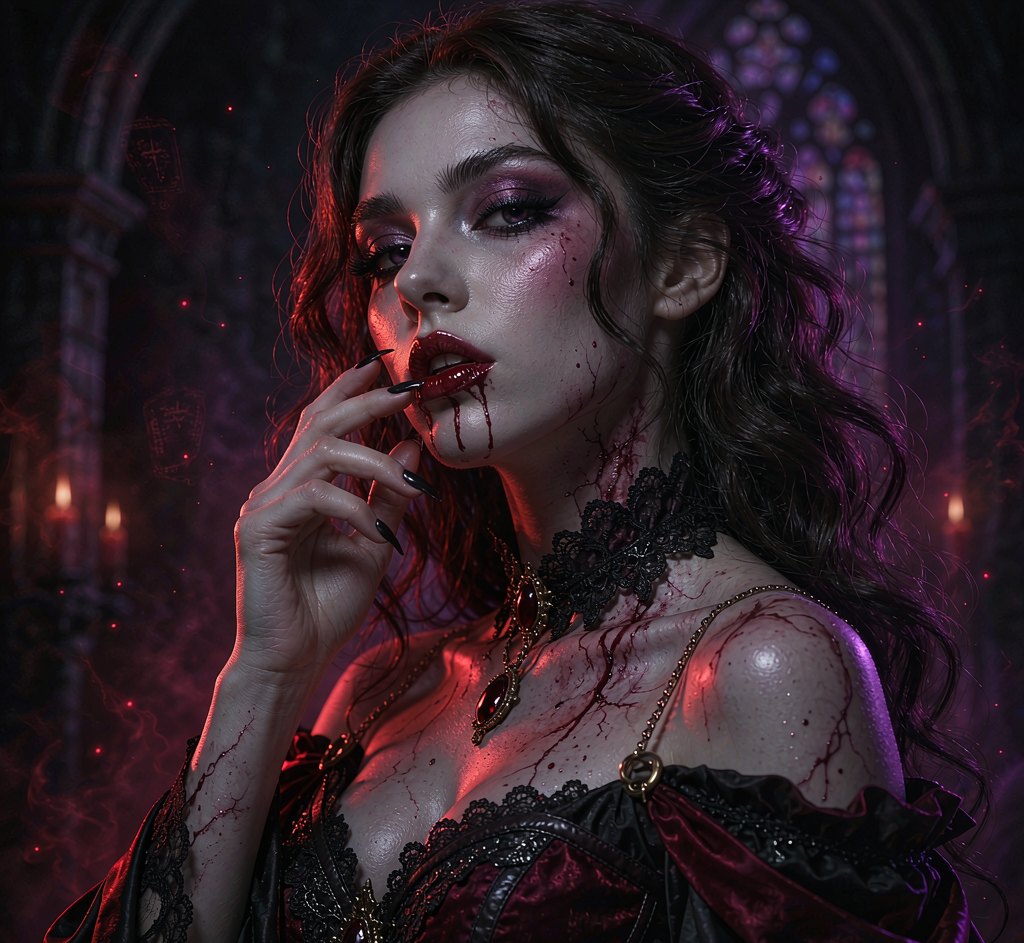
Cinematic Christmas portraits from any photo
No ugly sweater required. Upload one photo, pick a festive look, and get a magical holiday portrait in seconds.
Make yours — preview free

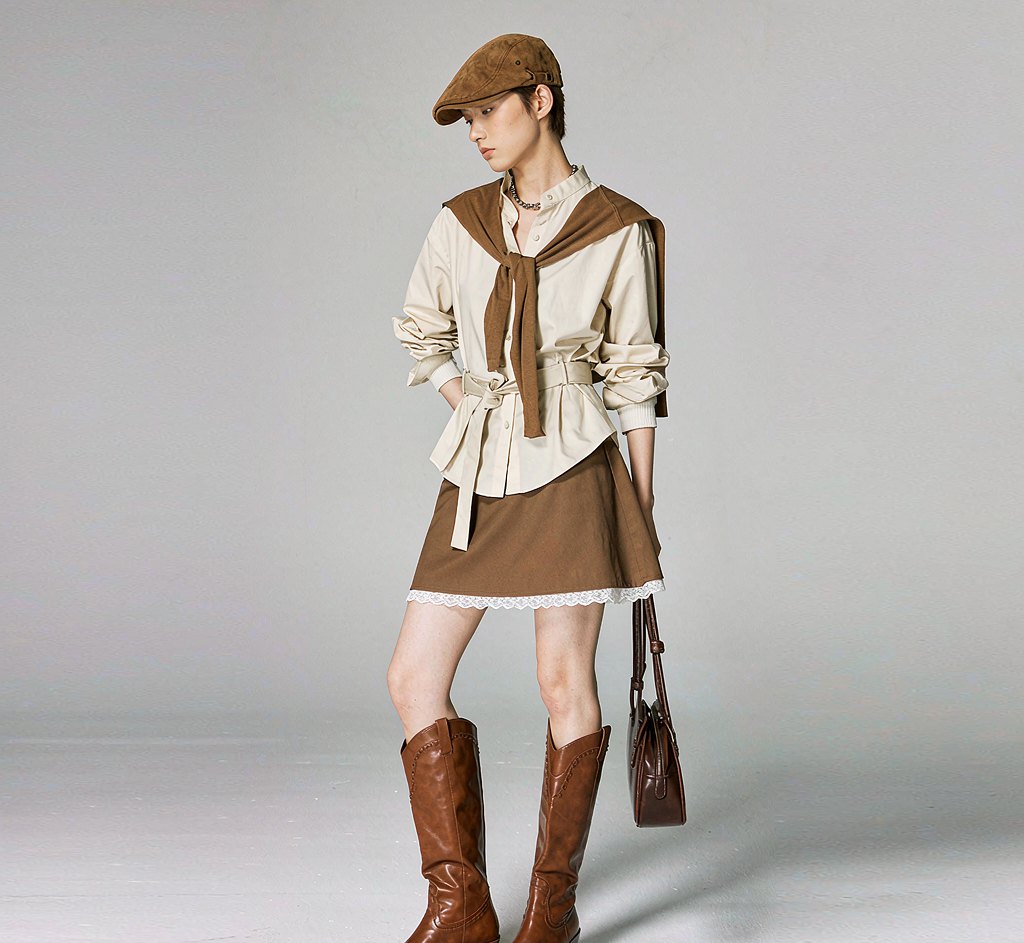
Choose from 8 christmas styles. Each one is a hand-tuned prompt, not a slider you have to guess at.
A clear, front-facing shot works best. No costume, no studio, no makeup — one ordinary photo is enough.
Preview free with a watermark. Like it? Unlock full resolution for 4 credits — about $0.25.
What people actually use this for
Every look from one photo
Made with this look already rendered — browse first, then run your own below.

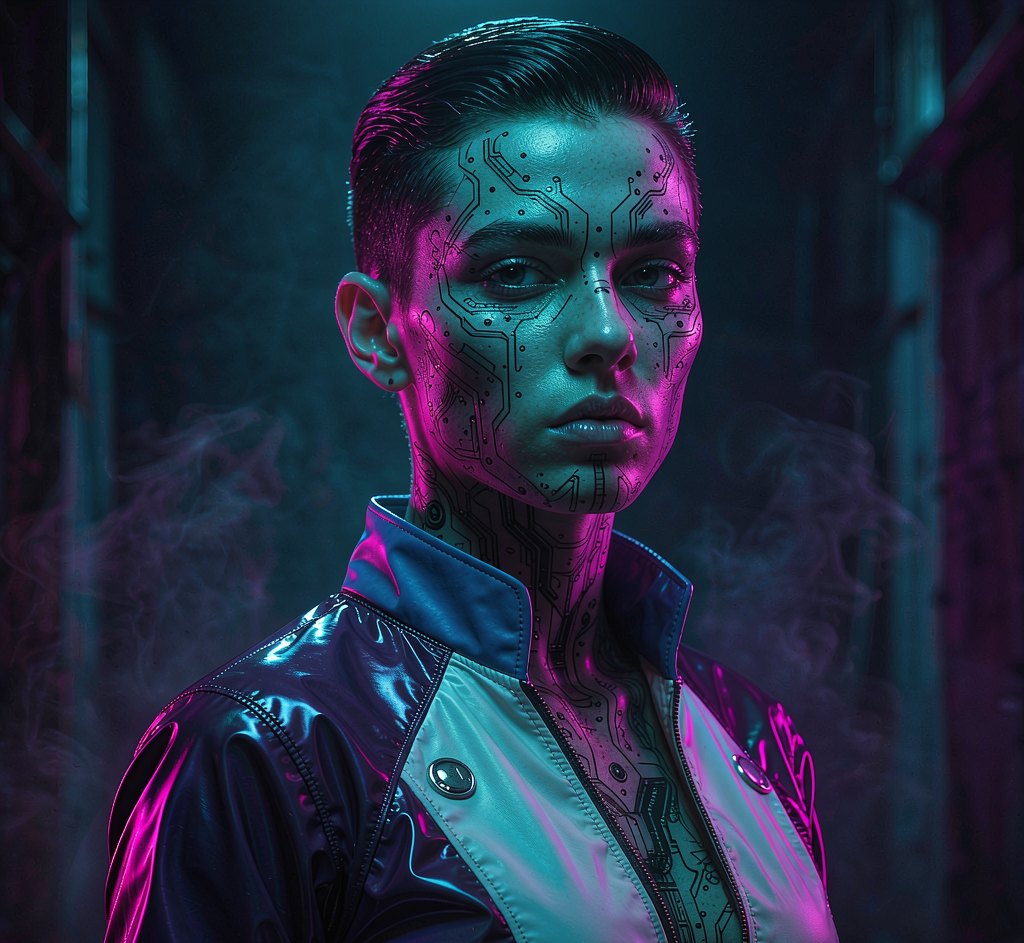

Now your photo
Free first — see whether the look suits you before spending a credit.
Preview mode — Christmas generation connects when your account is live.
Questions, answered
Is the AI Christmas photo generator free?
Yes. Every new account gets free credits to try it. Free results carry a small watermark; paid plans remove it and unlock full resolution.
Will the result still look like me?
Yes. Our pipeline is built on identity-preserving editing (FLUX.1 Kontext), keeping your facial features while restyling costume, lighting and background.
Do you do face swap of real people?
No. Pixelo does not offer face swap onto other real people, and does not generate non-consensual imagery. We restyle your own photo only.
What kind of photo should I upload?
A clear, front-facing photo with your face well lit works best. One photo is enough — no costume or studio needed.
Can I use the image commercially?
Paid plans include a commercial license. Free-tier images are for personal, non-commercial use and carry a watermark.
How to make an AI Christmas photo
Upload one photo and pick a Christmas treatment. The tool adds seasonal lighting, setting and wardrobe while keeping every face recognisable — so a card that is meant to look like your family still does.
Group photos work: upload a shot with everyone in frame and the styling is applied across the picture. Faces with even lighting and no heavy shadow convert most cleanly.
Paid downloads are full resolution with no watermark and include a commercial licence.
Making a Christmas card photo that still looks like your family
The failure mode with seasonal styling is overdoing it. A treatment that changes setting, light and colour but leaves faces alone reads as a good photo; one that reshapes people reads as a novelty.
Shoot with everyone facing the same light source — one window or one lamp — so the grade applies evenly across the group.
Your photo, ready in about 20 seconds
Free watermarked preview first. Pay only if the look actually suits you.
Start with a free preview